
Migration to SharePoint : A Easy Guide
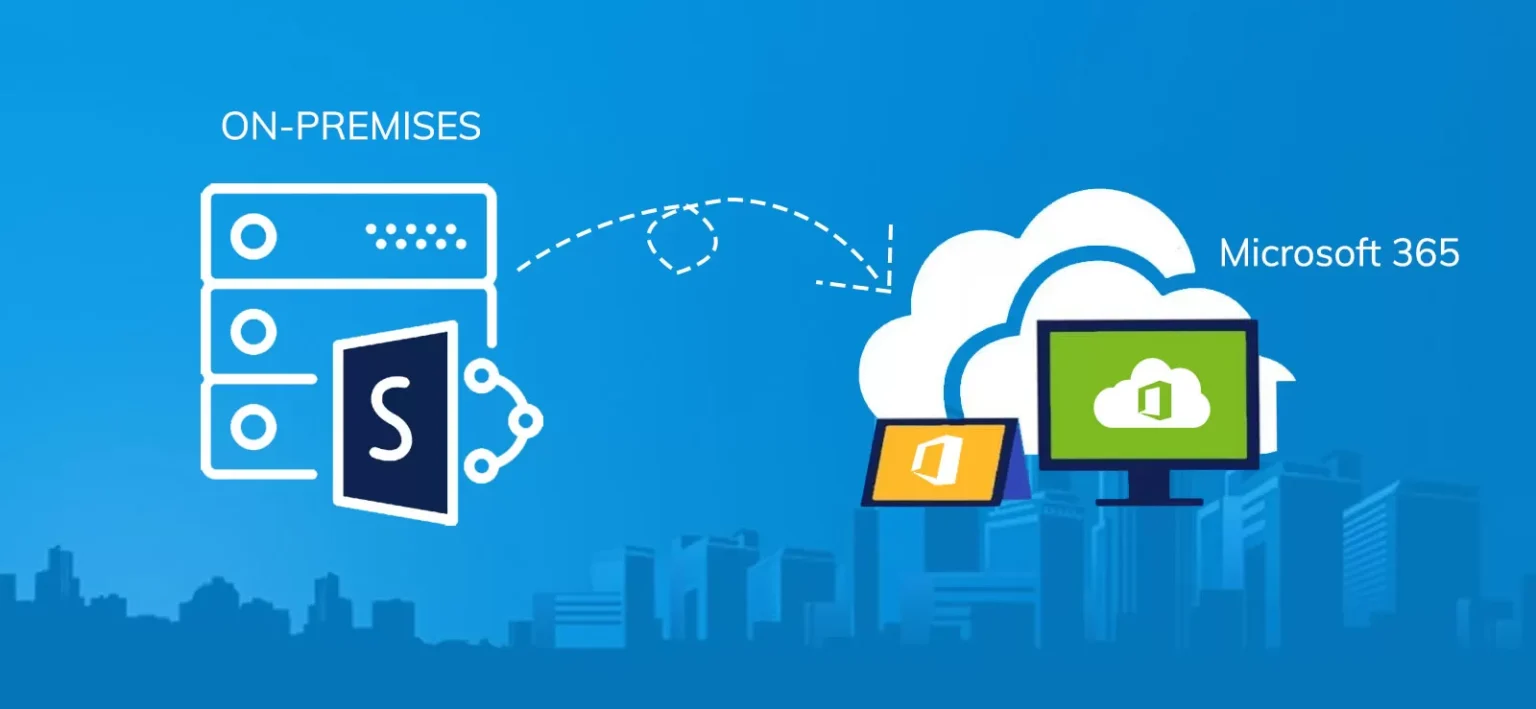
Moving your company’s documents and data to the cloud is a big step and SharePoint Online is a popular choice for many businesses. It’s part of Microsoft’s cloud-based tools that help teams work together better and manage documents more easily. Let’s look at the good and not-so-good parts of SharePoint Online in a way that’s easy to understand..
Key Benefits of SharePoint Online
- Access your work from anywhere, on any device
- Collaborate easily with your team in real-time
- Always up-to-date with automatic updates
- Enhanced security features to protect your data
- Cost-effective cloud solution with no hardware costs
What is SharePoint Online?
SharePoint Online is Microsoft’s answer to Dropbox. It’s part of Microsoft’s cloud services and you can access your files from anywhere with an internet connection. It’s designed to help teams work together better and keep everything organised and works well with other Microsoft tools, making it easier for everyone to get their work done.
SharePoint Online Pros
1. Work from Anywhere
With SharePoint Online, you can access your work files from home, the office, or even on vacation. All you need is an internet connection and a device like a computer, tablet, or smartphone. This is great for people who travel a lot or work from different places.
2. Easy Team Collaboration
SharePoint Online makes it simple for teams to work together on documents. Multiple people can edit the same file at the same time, allowing you to see who changed what and when, which helps keep everyone on the same page.
3. SharePoint Online is Always Up-to-Date
Microsoft takes care of all the updates and maintenance. You don’t have to worry about installing new versions or fixing technical issues – it’s all done for you automatically so always have the latest features and security updates.
4. Better Security
Your files are protected with advanced security features like encryption-at-rest. This means it’s harder for bad guys to get their hands on your important information. Staying safe online is crucial, and SharePoint Online helps with that.
5. Cost-Effective
You don’t need to buy expensive servers or hire IT staff to manage them. This can save your company money in the long run. You only pay for what you use, and Microsoft is generous with storage space, which is good for smaller companies or those just starting out.
6. Easy Backups with SharePoint Online
Sharepoint Online integrates well with automated backup options, ensuring that your data is consistently protected without requiring manual intervention.
SharePoint backups can easily scale to accommodate the growing data needs of your organization, ensuring that backups remain efficient and reliable.
SharePoint Online Cons
1. SharePoint Online is Internet Dependent
If your internet goes down, you can’t access your files. This can be frustrating if you’re in the middle of an important project, but can be avoided by having a backup internet connection, such as Starlink.
2. Learning Curve
SharePoint Online has a lot of features, which is great, but it can also be overwhelming at first. Some people might find it tricky to learn how to use everything. There’s a lot it can do, but it takes time to figure it all out.
3. SharePoint Online Limited Customisation
While you can do a lot with SharePoint Online, there are some limits to how much you can customise it compared to the on-premises version. It’s like renting a flat instead of owning a house – you can decorate, but you can’t knock down walls.
4. Potential Performance Issues
Sometimes, if you have a lot of users or data, things might slow down a bit. This doesn’t happen often, but it’s something to be aware of. Microsoft have spent billions building in redundancy into their network to avoid performance issues.
5. Data Privacy Concerns
Some companies worry about storing their sensitive data in the cloud. While Microsoft has strong security measures, it’s still a concern for some businesses. Luckily Microsoft pride themselves on adhering to strict data privacy laws and practices around the world.
The Key Challenges Explained
- Internet Dependency: SharePoint Online relies heavily on internet connectivity. Slow or unreliable internet can disrupt work.
- Learning Curve: Users may need time to adapt to the new system and its features.
- Data Privacy Concerns: Some businesses worry about storing sensitive data in the cloud.
- Limited Customisation: There may be fewer options to tailor the system compared to on-premises versions.
- Performance Issues: Large files or complex processes might run slower in the cloud than on local servers.
Making the Move to SharePoint Online: What to Consider
If you’re thinking about moving to SharePoint Online, here are some things to keep in mind:
1. Plan Carefully
Take time to figure out what you need and how you’ll move your files. You want to make sure everything gets to the right place. Get everyone involved in the planning, so you don’t miss anything important.
2. Clean Up First
Before you move, get rid of old or unnecessary files. This makes the move easier and helps you start fresh in your new digital space – you don’t want to take junk with you.
3. Train Your Team in SharePoint Online
Make sure everyone knows how to use SharePoint Online. This might mean setting up training sessions or creating guides to help people get used to the new system. Once your staff know how, it makes life much easier.
4. Test It Out
Try moving a small amount of data first to see how it goes. Get users involved to raise any questions or issues they have. This way, you can fix any problems before moving everything.
5. Get Expert Help
ITERTECH specialise in helping businesses move to SharePoint Online. They can make the process smoother and help you avoid common pitfalls. It’s like hiring a moving company instead of trying to move all your furniture by yourself.
Real-World Success: A Case Study
Let’s look at a real example. Fountains Direct, a company that ITERTECH helped, moved to SharePoint Online and saw some great benefits:
- User’s could work from home or on a customer site if needed.
- They could work together better, even when team members were in different places.
- Finding important files became much easier.
- They saved money on IT costs.
- Their Backups became automated
- The company felt more secure about its data.
This shows that while there might be some challenges, the benefits of moving to SharePoint Online can be really worthwhile for many businesses and made easier by having professional help.
Wrapping Up: Is SharePoint Online Right for You?
Moving to SharePoint Online is a big decision. It has lots of benefits like better collaboration, access from anywhere, and improved security. But it also comes with some challenges, like needing a good internet connection and a bit of a learning curve.
The key is to think about what your company needs most. If you want to work more flexibly, collaborate better, and not worry about managing servers, SharePoint Online could be a great choice. But if you need very specific customisations or have concerns about cloud storage, you might want to think it over carefully.
Remember, you don’t have to figure it all out on your own. Experts like ITERTECH can help you decide if SharePoint Online is right for your business and guide you through the whole process if you decide to make the move.
In today’s fast-moving business world, having the right tools can make a big difference. SharePoint Online might just be the tool that helps your company work smarter and faster. Why not explore if it’s the right fit for you?